Sanitizing Tech: How to Clean Office Computers Safely
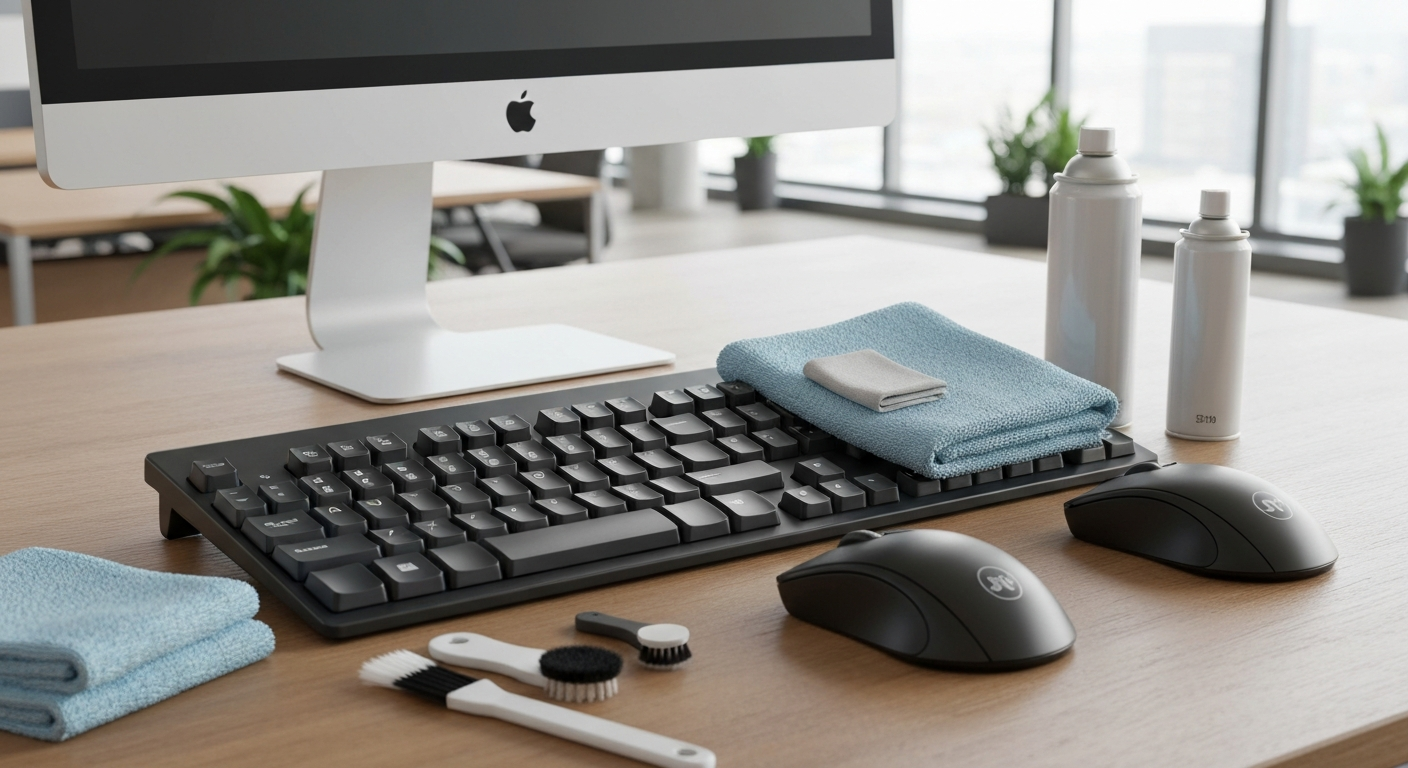
Keyboards and mice are the dirtiest items in an office. Learn how to sanitize expensive tech equipment without causing damage.
Did you know the average office keyboard harbors 400 times more bacteria than a toilet seat? With hot-desking and shared workstations becoming more common, sanitizing office technology is a critical step in preventing workplace illness. However, spraying liquid directly onto electronics is a recipe for disaster.
Safe Cleaning Protocols
Always power down and unplug devices before cleaning. Never spray cleaning solutions directly onto a screen or keyboard. Instead, lightly dampen a microfiber cloth with a 70% isopropyl alcohol solution (which evaporates quickly and kills germs). Wipe the keys, mouse, and desk phone gently.
Screen Care
Monitors require special care, as alcohol can strip the anti-glare coating from modern screens. Use a dry microfiber cloth to remove dust. For smudges, use a screen-specific cleaner lightly applied to the cloth. Professional commercial cleaners are trained in these specific tech-safe protocols to protect your company's expensive hardware while ensuring a hygienic environment.
Ready for a spotless space?
Let our expert team handle the details. Get an instant online quote today.
Book a Service